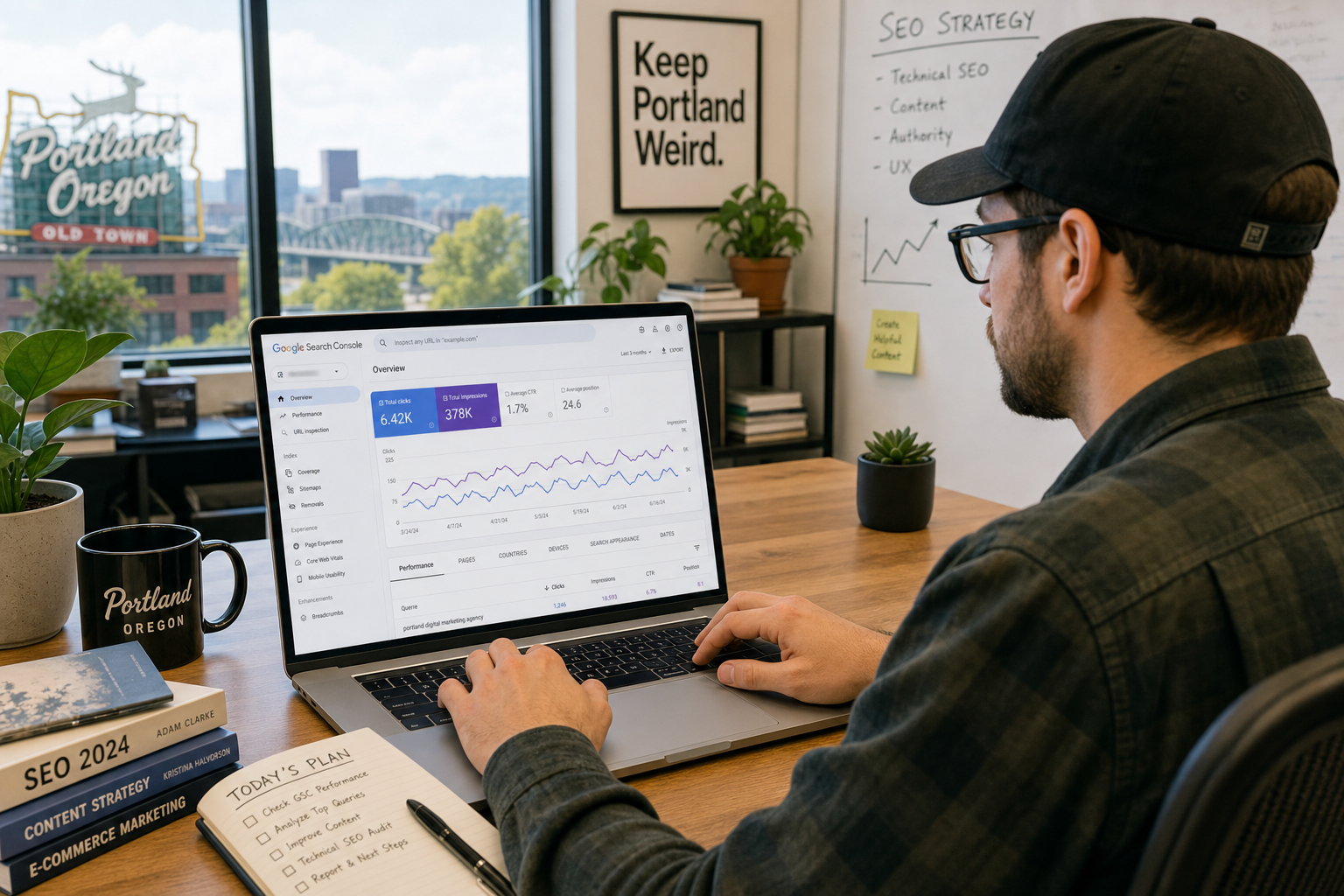
Google Search Console is the most direct signal available to any Oregon business owner who wants to understand how their website actually performs in local search. Unlike third-party tools that estimate visibility, Search Console shows real data directly from Google: the queries people typed before finding your site, how often your pages appeared, and how often someone clicked through. For a Portland-area business trying to grow local traffic, knowing how to read these reports changes how you make decisions about your website and content.
What Google Search Console actually shows you
Search Console is a free tool from Google that gives website owners a verified view of their search performance. Once you connect it to your site and verify ownership, you gain access to data that no paid tool can replicate because it comes directly from Google's index.
The core reports most relevant to local visibility are the Performance report, the URL Inspection tool, the Coverage report, and the Sitemaps section. For Oregon businesses focused on local search, the Performance report is where you will spend most of your time. It shows which search queries triggered impressions of your pages, your average position in results, your click-through rate, and how those numbers change over time.
The distinction between impressions and clicks matters. An impression is counted every time your page appeared in search results. A click is counted when someone actually visited your site. A page with many impressions but few clicks signals either a low position in results, a title and description that are not compelling, or a mismatch between the query and what visitors expect to find.
Filtering for local queries in the Performance report
The default Performance view shows all traffic across all queries. To get a useful picture of local visibility, you need to filter the data. There are two filtering approaches that work well for Oregon businesses.
The first is filtering by query. Type in your city name, neighborhood, or region to see which pages are appearing for location-specific searches. If you run a landscaping business in Portland, filtering for "Portland" shows you every query containing that word, which pages appeared, and how they performed. This reveals whether your local pages are gaining traction or sitting dormant in the index.
The second approach is filtering by page. Select a specific location page or service page and look at which queries drove impressions to it. A page you built to rank for "cleaning services in Eugene" might be generating impressions for related queries you had not considered, pointing toward content gaps or opportunities to strengthen that page.
- Date range: Compare the last 3 months to the previous 3 months to see directional trends
- Device filter: Check mobile separately — most local searches happen on phones
- Search type: Keep the default "Web" filter but note that Google Business Profile clicks appear in a separate "Discover" view
Identifying which local pages need attention
Once you have filtered for local queries, look for pages with high impressions but low click-through rates. These pages are appearing in search results but not convincing anyone to visit. The cause is usually one of three things: the page is ranking in a position too low to generate clicks, the title tag and meta description do not communicate enough value to stand out, or the query triggering the impression does not match what the page actually delivers.
For Oregon service businesses, a common pattern is a general homepage ranking for dozens of local queries but each one individually generating only a handful of impressions. This tells you the site lacks dedicated local pages. Google is doing its best to serve the homepage for these searches, but a specific page built around each city or service area would likely rank higher and convert at a better rate.
Pages with very low average position, often higher than 20, are indexed but not competitive. These need either stronger content, better internal linking, or more local authority signals pointing to them before they will move into a range where clicks become realistic.
Francisco Labs uses Search Console data in every local SEO engagement: We connect your Search Console to understand your current local footprint, identify underperforming pages, and prioritize the work that will actually move your visibility in Oregon search results. No guesswork, just verified data from Google itself.
Using the URL Inspection tool for local pages
The URL Inspection tool lets you check the status of any individual page in Google's index. Paste in the URL of a location page or service page and you can see whether Google has indexed it, when it was last crawled, and whether there are any issues preventing it from appearing in search results.
This tool is especially useful after publishing new local content. If you recently added a page for a new service area in the Willamette Valley or a new city in the Portland metro, inspecting that URL tells you whether Google has discovered it yet. You can also request indexing directly from the tool, which can speed up the time between publishing and appearing in search results.
For established pages that should be ranking but are not showing up in your Performance data, the inspection result tells you if the page has a crawling or indexing issue that needs to be resolved before any content improvements will have an effect.
Connecting Search Console to your broader local strategy
Search Console data is most useful when it drives specific, prioritized actions rather than sitting as a monthly report you glance at. The most effective Oregon businesses treat it as an ongoing signal, not a scorecard.
A practical routine looks like this: check the Performance report for your top local queries weekly and note any meaningful position changes. Once a month, run a deeper analysis looking at new queries you were not targeting, pages that dropped in impressions, and any coverage errors flagged in the index report. Use those findings to decide which pages to update, which new content to create, and where to build more local authority.
Pair Search Console with your Google Business Profile insights and you get a complete picture of your local search footprint: organic web search from Search Console, and map pack and branded search from Business Profile. Together they show you where you are strong, where you are losing impressions to competitors, and where a focused effort would produce the most visible improvement for your Oregon business.
Want help reading your Search Console data?
Francisco Labs interprets your actual search performance data and turns it into a local SEO action plan built around your Oregon service area. No generic recommendations, just work grounded in what Google is already telling you.
Start a Project